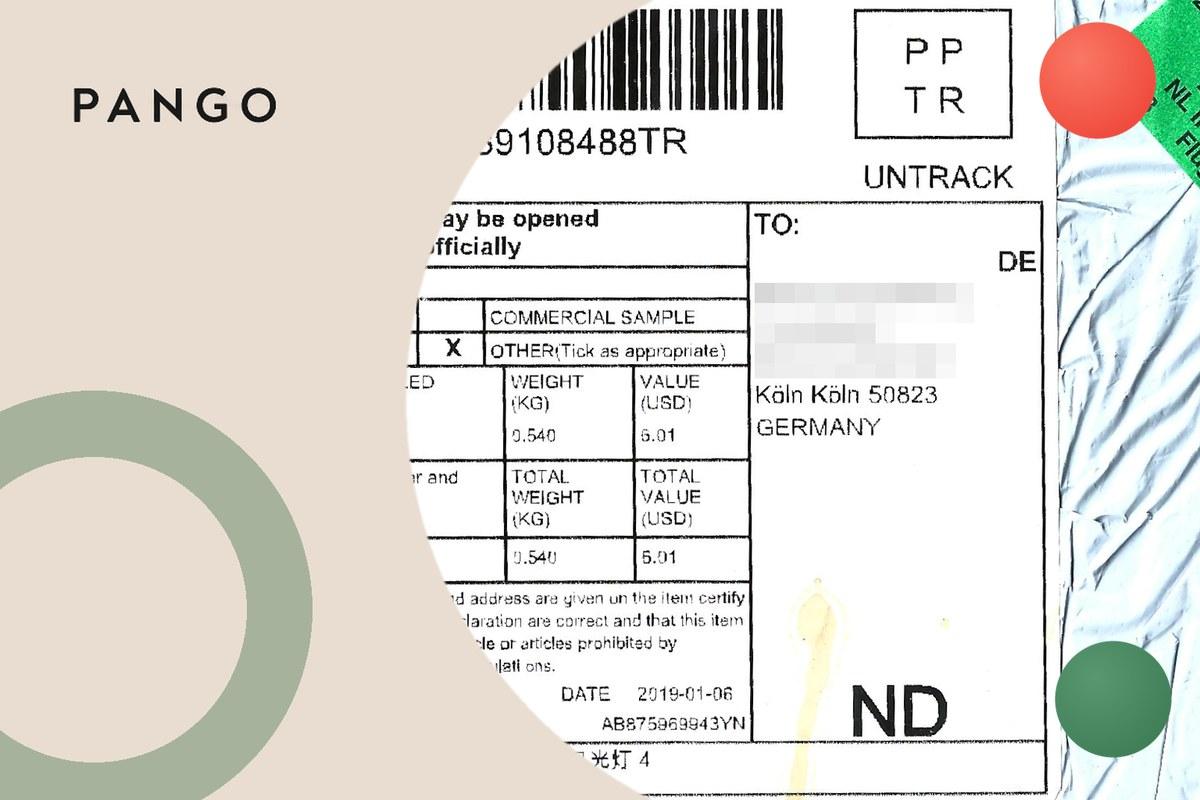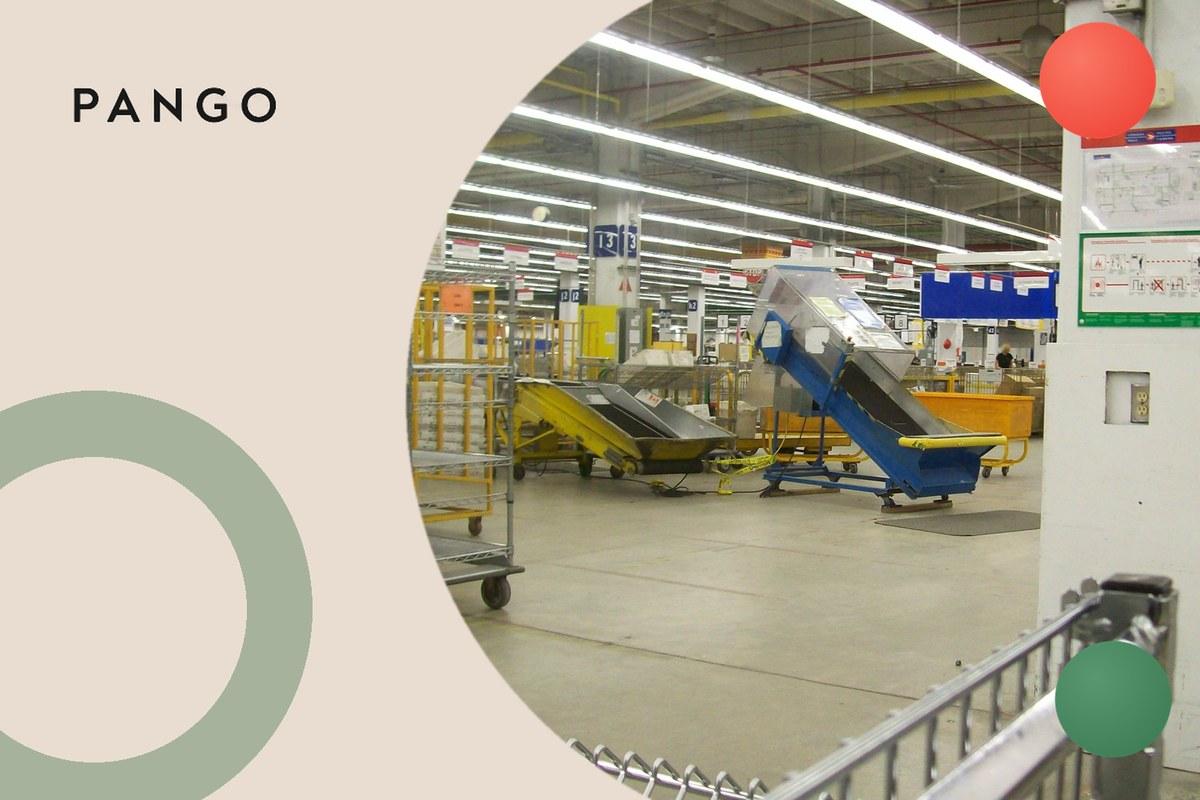
"Shipment outscanned to network" is a tracking line that people in India search for, often pasted as "Activity: Shipment Outscanned To Network" with a facility name in a "Location" field next to it. It reads like internal shorthand because it is: it is a warehouse scan event passed straight through to the tracking page. People search for it because it gives no hint of where the parcel is going or how long the next step takes. This page explains what the scan records, what we could and could not find about who writes it, what comes next, and when it is worth asking about.
Short answer: "shipment outscanned to network" means your parcel was scanned out of the facility named on the line and handed into the courier's network, the trucks and flights that link one hub to the next, on its way to the next stop. It is a normal, middle-of-the-journey step, the same kind of event other carriers call "departed from facility" or "further connected". The location on the line is where the parcel left from, not where it is going. No carrier publishes a definition of this scan: we read the help, FAQ and tracking pages of the courier people most often name with it and found no mention of the phrase, so the meaning below is the plain reading of the words and of the stage it belongs to. There is nothing you need to do at this status. The next line is usually an arrival scan at the next hub.
What "shipment outscanned to network" means
Read the words one at a time and the meaning is fairly plain:
- Shipment is the parcel, tracked under its waybill or tracking number.
- Outscanned means scanned out. Couriers scan a parcel when it comes into a building (an "inscan") and again when it leaves (an "outscan"). The outscan is the exit scan.
- To network means the parcel was released into the courier's line-haul network: the vehicles and flights that move parcels between hubs, as opposed to the sorting floor inside one building.
Put together, the line says: the parcel has been sorted at the named facility, scanned onto outbound transport, and is now travelling to the next facility on its route. It does not mean the parcel has been sent to the wrong place, and it does not mean it has been handed to another company. On a long route you may see it more than once, once at each building the parcel leaves.
| Part of the line | What it tells you |
|---|---|
| Activity: Shipment Outscanned To Network | The exit scan at a facility. The parcel is now in transit between buildings |
| Location: [facility name] | The building the parcel left, not its destination and not your local branch |
| Date and time | When the parcel was scanned out of that building |
Who writes this status: what we could and could not find
Most people who search for this line pair it with Blue Dart, so we started there. On 12 November 2026 we read Blue Dart's own tracking page, how-to-track page, FAQ page and home page. None of them contains the phrase "outscanned to network", or the word "outscan" at all, and Blue Dart publishes no glossary of tracking statuses. Blue Dart's own tracking result, as quoted on our Blue Dart tracking statuses page, writes the onward step from a hub as "Shipment Further Connected". We also checked Delhivery's full help index, which lists no page that uses the word.
So we cannot confirm which courier writes "shipment outscanned to network", and we do not name one as its author. What we can say is what the words mean and which stage of a parcel's journey they belong to, which is the same for every courier.
If a line on your tracking page reads this way, the courier that issued your tracking number is the one to ask about it, with the waybill or tracking number in hand.
Outscan, inscan and the line-haul network
Every hub-and-spoke courier works the same way. A parcel is collected, scanned in at the first facility, sorted by destination, scanned out onto a truck or flight, and scanned in again at the next hub. The pair of scans repeats at every building until the parcel reaches the branch that delivers to your address. What changes from courier to courier is only the wording:
| Stage | Generic name | Wording you may see |
|---|---|---|
| Parcel arrives at a building | Inscan, arrival scan | "Arrived at facility", "Shipment arrived at hub", "Received" |
| Parcel leaves a building | Outscan, departure scan | "Shipment outscanned to network", "Departed from facility", "Shipment further connected" |
| Parcel between buildings | Line-haul, in transit | Usually no line at all |
The plain-language versions of the two halves are on departed from facility meaning and arrived at facility meaning, and a wider list of scan codes that leak out of carrier systems is on hub scan meaning.
What the location name means
The facility named next to the line is the one the parcel left. Searchers paste lines such as "Activity: Shipment Outscanned To Network, Location: COD Processing Centre II" or "shipment outscanned to network Delhi hub". In both cases the parcel was scanned out of that building. A facility in a city far from yours is normal: parcels are often routed through a large regional hub before they reach the branch near you. The public pages we read do not explain the courier's internal facility names, so we do not guess what a given name stands for.
What comes next after "shipment outscanned to network"
The usual order on a domestic courier route is:
- Picked up from the sender, then scanned in at the first facility
- Outscanned to the network (this line), or a departure line with another name
- Arrived at the next hub, then outscanned again, once per hub on the route
- Arrived at the delivery branch that serves your address
- Out for delivery
- Delivered, or a delivery attempt with a reason
If the outscan happened at a hub in your own city, the next line can be the arrival at your delivery branch, followed by "out for delivery". What "out for delivery" promises, and what to do if the day ends without the parcel, is on out for delivery meaning.
How long after "shipment outscanned to network" does the next scan come?
No courier publishes a time between this scan and the next, so this page gives none. The gap is the time the parcel spends on the road or in the air between two buildings, and nobody scans it while it moves, so a quiet tracking page after an outscan is expected. The reference to hold the parcel to is the delivery date the shop or the sender gave you, not the gap between two scans.
When to ask about it
- The expected delivery date has passed and this is still the last line. Contact the sender or the shop with the tracking number. The sender is the courier's customer and can raise a trace most easily.
- The next lines show an exception, such as a delivery attempt or a hold. Follow what that line says. For Blue Dart lines, our Blue Dart tracking statuses page explains each reason.
For merchants
Raw scan events like "outscanned to network" are what turn a normal parcel into a support ticket: the customer sees an unfamiliar facility name and an internal word, and writes in to ask where the parcel went. Pango, an AI-native, agentic operating system for e-commerce logistics, normalises every connected carrier's statuses into one milestone set on a branded tracking page on the merchant's domain, sends proactive notifications, and treats a delay as an operational trigger for a proactive message.
The bottom line
"Shipment outscanned to network" means your parcel was scanned out of the facility named on the line and is travelling to the next hub. No carrier publishes a definition of the scan, but the stage is the same exit scan every courier records under some name, and it is normal progress. Wait for the next arrival line and then "out for delivery", and ask the sender only once the expected delivery date has passed.