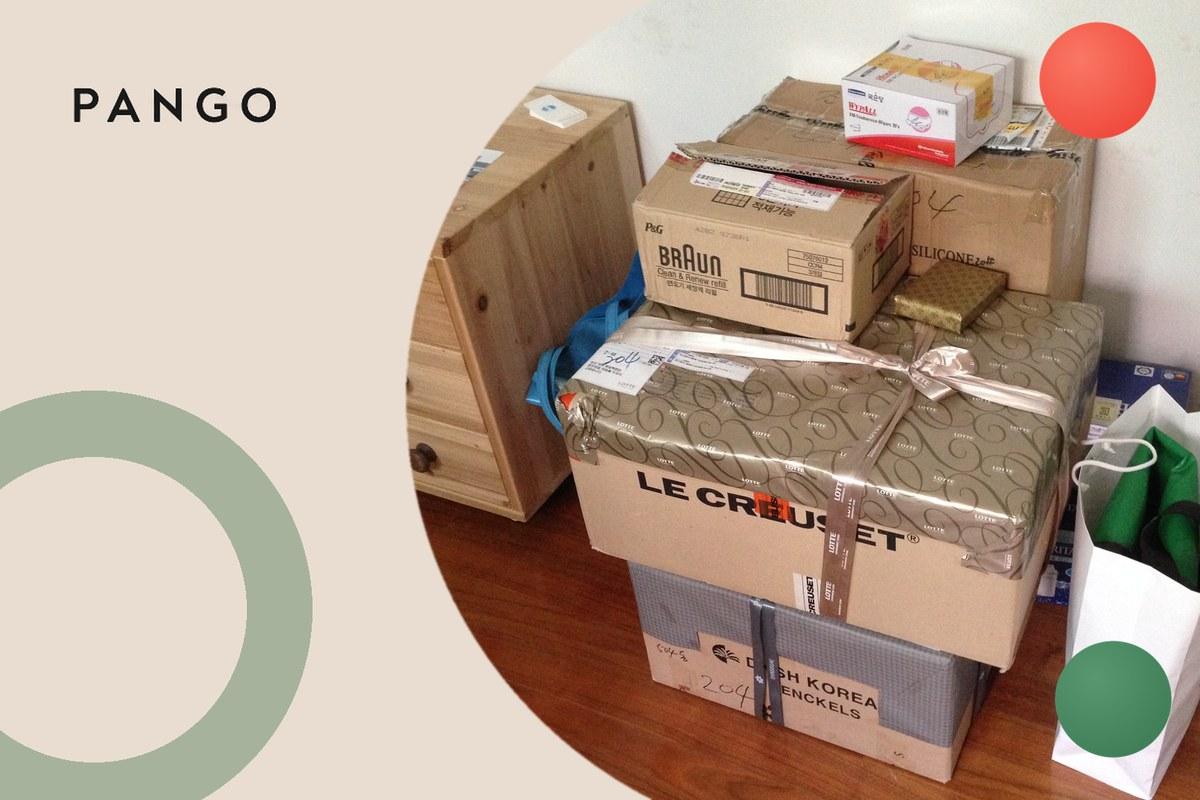
"Shipment information sent to FedEx" is the first line most people ever see on a FedEx tracking page, and it is the one that causes the most worry, because it often sits there unchanged for a day, a weekend or longer. This page explains what FedEx itself says the status means, what has and has not happened to your package, what the next status should be, why it can stay on this line for days, and who can actually fix it when it does.
Short answer: "Shipment information sent to FedEx" means the shipper has created the shipping label and sent FedEx the details of the package, but FedEx does not have the package yet. FedEx's own definition is that the package "is still at the shipper's original location", and that "FedEx will update the delivery status once the package has been picked up". FedEx also says plainly that this status "does not mean that FedEx has received the shipment": the first sign that it has is the "Picked Up" scan. If nothing changes for a few days, FedEx's advice is to contact the shipper, because the package may never have been handed over.
What does "shipment information sent to FedEx" mean?
It is a data event, not a movement. When a shop or any other sender books a FedEx shipment, its shipping system creates the label and transmits the shipment record (addresses, service, weight and the tracking number) to FedEx. The tracking number becomes live at that moment, which is why you can look it up, but the only thing FedEx holds is the information.
FedEx describes the status in two of its own help pages, in slightly different words:
| FedEx page, read 12 November 2026 | What it says |
|---|---|
| FedEx Canada FAQ, "Shipment information sent to FedEx" | "Shipment information sent to FedEx means the package is still at the shipper's original location. FedEx will update the delivery status once the package has been picked up." |
| FedEx Japan FAQ, "shipment information has been sent to FedEx" | "It means that the shipper has used the FedEx Ship Manager online shipping tool and has completed creating the air waybill." |
| FedEx Japan FAQ, same page | "No, it does not mean that FedEx has received the shipment. When we have received your shipment, you will see "Picked Up."" |
Put together: the label (in FedEx's international wording, the air waybill) exists, the package is still with whoever is sending it, and FedEx's tracking will stay on this line until a FedEx scan replaces it.
What has happened, and what hasn't
| Question | Answer, from FedEx's own wording |
|---|---|
| Has a label been created? | Yes. The shipper has created the label or air waybill |
| Does FedEx have the package? | No. It "does not mean that FedEx has received the shipment" |
| Where is the package? | "Still at the shipper's original location" |
| What is the next status? | "Picked Up", once FedEx has received it |
| Who should I contact if it does not change? | The shipper, "to confirm" whether the package was shipped |
That last row is the one that matters. Until FedEx scans the package, FedEx has nothing to trace. The sender is the only party that knows whether the box is packed, waiting for a collection, sitting in a drop-off queue, or was never shipped at all.
What comes after "shipment information sent to FedEx"
The next status is "Picked Up", which FedEx names as the sign that it has received the shipment. From there the package moves through the normal FedEx scans: arrival and departure scans at FedEx locations and hubs, "at local FedEx facility" when it reaches the station serving your address, "on FedEx vehicle for delivery" on the day, and "delivered". What each of those means, in order, is in FedEx tracking statuses, and the hub and location scans have their own page, departed FedEx hub meaning.
The delivery estimate is worth reading with this in mind. A date shown while the status is still "shipment information sent to FedEx" depends on the package actually being handed over; FedEx's Canada page says the delivery status is updated "once the package has been picked up".
Why it can sit on "shipment information sent to FedEx" for days
FedEx's Japan FAQ addresses this directly: if no information has been updated for a few days after this notice, "it is possible that the shipper created an air waybill using the FedEx Ship Manager online shipping tool, but for some reason did not ship the package." In practice the common reasons are on the sender's side:
- The label was printed before the package was ready. Many shops create labels in batches when the order is processed, then pack and hand over later.
- The package is waiting for a collection or a drop-off. The label exists, but the box is still in the warehouse or the shop's back room.
- A weekend or holiday sits between the label and the handover. No collection means no scan, so the line does not change.
- The order is held or cancelled. A stock problem or a payment check can stop the shipment after the label was made.
None of these is something FedEx can see, because FedEx does not have the package. That is why FedEx's advice for this status is to contact the shipper rather than FedEx.
"Shipment information sent to FedEx" vs "shipment information received"
The two strings describe the same stage: a label and its data exist, and no carrier has scanned the package yet. "Shipment information sent to FedEx" is FedEx's own wording, defined on FedEx's pages above. "Shipment information received" is the general wording of that stage used across carriers, which other carriers also write as "shipping label created", "electronic information received" or "order data transmitted"; what it means at any carrier, and what to do when it lingers, is in what does shipment information received mean.
The practical difference is only where you read it. On a FedEx tracking page, the status that ends the stage is "Picked Up", as FedEx says. The general version of the "label made, nothing moving" problem, with how each carrier words it and how long to wait before acting, is in shipping label created but not moving.
What to do if it says "shipment information sent to FedEx"
- Check the order confirmation from the shop. If it says the order is still being processed, the label was created early and the package has not left yet.
- Give it a few days. FedEx's own FAQ frames the problem case as "no information has been updated for a few days".
- Then contact the shipper, not FedEx. FedEx's advice is to "contact the shipper to confirm". Give the order number and the FedEx tracking number and ask whether the package has been handed to FedEx, and when.
- Ask for a new label or a refund if it was never shipped. If the shop confirms the package did not go out, the old tracking number will not start moving on its own; ask for a reshipment with a new tracking number, or a refund.
If the status has changed to "Picked Up" and then gone quiet, that is a different situation: FedEx has the package and the general advice in why is my package stuck in transit applies.
For merchants
"Shipment information sent to FedEx" is the status your customer sees between your label print and FedEx's first scan, and every hour it sits there unchanged is read as "nothing is happening". FedEx's own advice sends that customer to you, the shipper, so the ticket lands in your inbox, not FedEx's. Pango generates labels across connected carriers, measures warehouse handover time, and puts every carrier's statuses onto one plain milestone set on the brand's own tracking page, with a proactive message when a shipment is delayed, so a label that has not been picked up becomes an internal alert rather than a customer email. The software category to compare is carrier management software.
The bottom line
"Shipment information sent to FedEx" means a label has been made and FedEx has the details, not the package; in FedEx's words, the package "is still at the shipper's original location". The next status is "Picked Up". If nothing changes for a few days, contact the shop that sent it, because only the shipper can say whether the package was handed to FedEx.