A returns portal is the page a customer lands on when they want to send something back: they enter an order number, pick the item and a reason, see what they are entitled to, choose an exchange, credit or refund, and get a label or a QR code. Returns portal software is the product that runs that page and everything behind it: the brand's rules, the carrier booking, the warehouse receipt and the refund. This guide explains what the portal has to do on the customer's side and on the brand's side, the difference between a branded portal and the carrier-hosted kind, how the portal connects to the warehouse and to refunds, and the questions that expose the gaps before you sign.
Short answer: Returns portal software does six jobs: takes the return request, decides eligibility and outcome from your policy, produces the label or drop-off code, tracks the parcel back, triggers the refund, credit or exchange, and records the disposition. The customer sees four of them as a flow: eligibility, reasons, the exchange offer, and the label or label-free drop-off, followed by a status page. The brand sees the other two as rules and reporting. A branded portal lives on your domain and runs your policy; a carrier-hosted portal is the carrier's returns page with your logo on it and the carrier's rules underneath. The portal is only as good as what it is connected to: if it cannot see stock, it cannot offer the right exchange, and if it cannot see the warehouse receipt, it cannot time the refund.
Free for DTC brands: Pango runs the shipping and returns audit on your own order and carrier data as part of a demo: fifteen numbers across checkout, carriers, warehouse handover, tracking and returns, the three that matter most for your operation, and the same orders shown running on one system. Book the free audit.
What a returns portal is
A returns portal is the self-serve front door of a returns process. Before portals, a return was an email to support, a label sent by hand and a spreadsheet; the portal replaces that with a page where the customer does the work and the software applies the policy. The category the portal belongs to is returns management software, and the portal is the part of it the customer touches. Everything else in that category, the rules engine, the warehouse receiving, the refund logic, the reporting, sits behind the portal and decides what it shows.
The customer-facing flow, step by step
| Step | What the customer sees | What the software has to do |
|---|---|---|
| 1. Start | An order lookup by order number and email, or a link from the order page | Find the order and the items, including bundles and gifts |
| 2. Eligibility | Which items can be returned, and by when | Apply the policy per item: window, final-sale items, condition, country |
| 3. Reasons | A reason per item, sometimes with a photo | Capture the reason in a form the brand can report on, and route faulty items differently from change-of-mind |
| 4. The exchange offer | The right size, a different product, or store credit, offered before the refund | Read live stock, price the difference, and make the exchange the easy default |
| 5. Label or drop-off | A prepaid label to print, or a QR code to show at a drop-off point | Book the carrier, generate the label or the code, and choose the cheapest or nearest option for that customer |
| 6. Status | A page that shows the return on its way back and the refund or exchange on its way out | Track the return parcel and show the refund or exchange state without a support ticket |
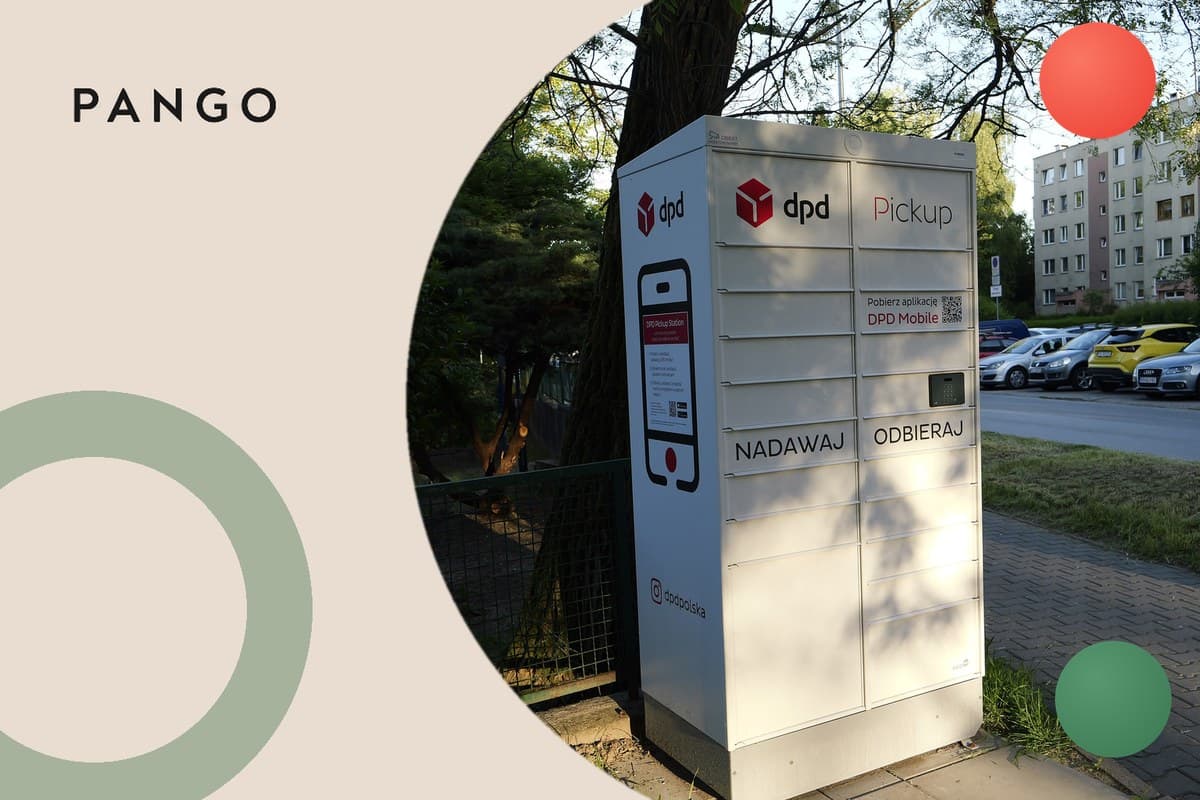
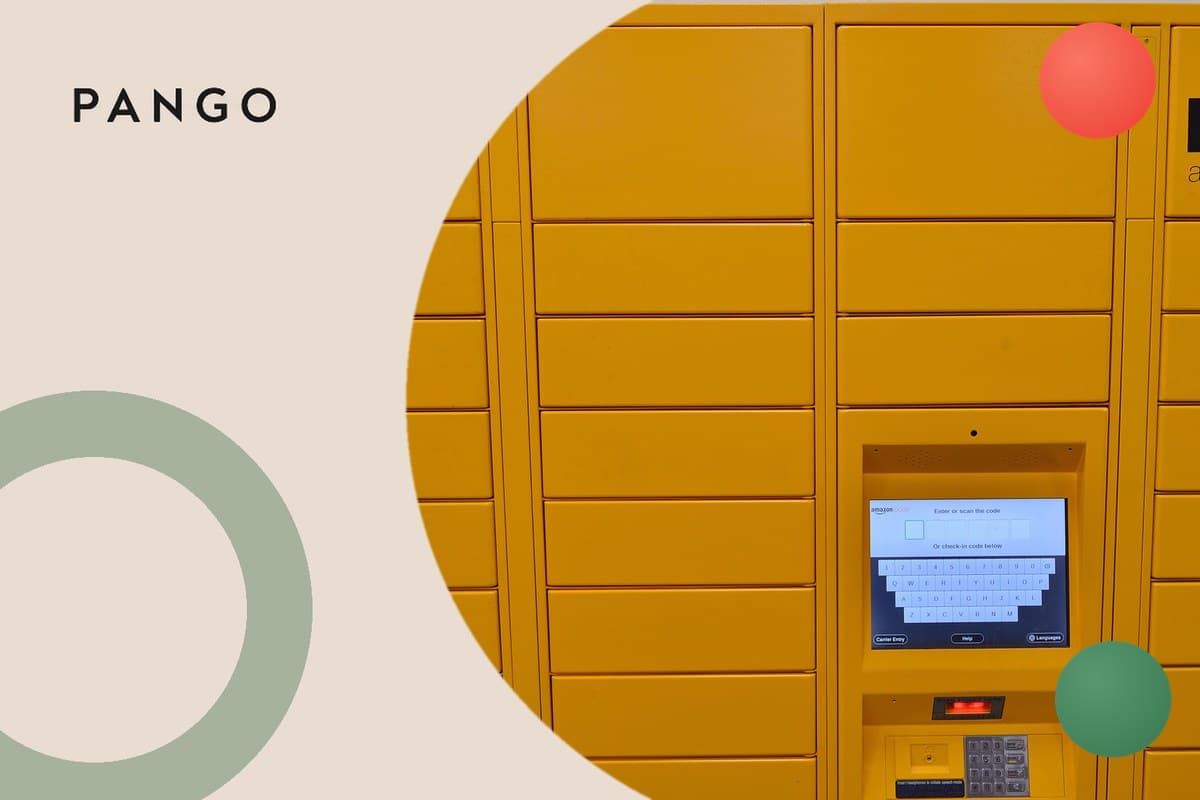
Two of these steps decide the economics. Step 4 is where a return becomes an exchange instead of a refund: to increase the exchange rate, make the exchange the easy default, not a hidden option, offer the right alternative before you offer money back, present it the moment the customer starts the return, remove friction like waiting for the item to arrive back, and sweeten store credit with a small bonus; the full method is in how to increase your exchange rate. Step 5 is where the printer disappears: a label-free return replaces the printed label with a QR code on the shopper's phone, the portal approves the return, books the carrier and sends the code, and staff at the drop-off point scan it, print the label and take the parcel; the mechanics are in label-free returns.
The brand-facing rules
Behind the flow sits the policy, and the portal is only as useful as the rules it can express. The rules a brand needs the software to hold, without a developer:
- Eligibility per item and per country: return windows, final-sale items, hygiene exclusions, and the countries a return can come back from.
- Outcome per reason: a faulty item goes to a different outcome and a different warehouse disposition than a wrong size.
- Exchange logic: which alternatives to offer, whether an exchange to any product in the store is allowed or only a variant swap, and when to top up store credit.
- Refund timing: on request, on the carrier's first scan, on warehouse receipt, or on inspection, with a different rule for high-value or first-time customers.
- Who pays return shipping: free, deducted from the refund, or free only for exchanges.
- Fraud and abuse: limits per customer, serial-returner flags, and photo evidence on faulty claims.
The test of a portal is whether a change to any of these is a setting the returns manager edits, or a ticket to the vendor.
Branded vs carrier-hosted portals
A branded returns portal runs on the brand's own domain, in the brand's design, with the brand's policy, and books whichever carrier the brand chooses per return; the customer never leaves the brand. A carrier-hosted portal is the returns page a carrier or a drop-off network provides: the brand adds a logo, the customer enters an order number, and the carrier's own flow produces the label. The carrier-hosted kind is quick to set up and costs little, and it is the right answer for a brand with one carrier and a simple policy. It cannot read the brand's stock, so it cannot offer an exchange; it applies the carrier's return options, not the brand's policy; and the status the customer sees is the carrier's, not the order's.
Most vendors in the category sell a branded portal: Loop Returns, ReturnGO, Narvar, Redo, Corso and AfterShip each describe a branded or white-label portal with rules-based automation and exchanges, by their own descriptions. The drop-off networks are the other side: Happy Returns, a UPS company, describes box-free, label-free in-person returns at Return Bar locations with QR-code refunds, which a branded portal can book as one of its drop-off options. A comparison of the vendors by portal, rules, exchanges and pricing is in best returns management software.
How the portal connects to the warehouse and to refunds
A portal that stands alone produces labels and little else. The connections that make it work:
- Stock. The exchange offer in step 4 needs live inventory; without it the portal offers a size that is sold out or hides the alternative that would have kept the sale.
- The carrier. The label or QR code in step 5 is a carrier booking; the portal needs the carrier accounts, the return addresses per warehouse or 3PL, and the rules for which carrier serves which country.
- The warehouse. The return has to be received against the request, inspected and dispositioned (restock, refurbish, dispose), and the receipt is what most refund rules wait for.
- Refunds and credit. The refund has to go back to the original payment method, or become store credit or an exchange order, from the rule the brand set, and the status page in step 6 has to show it.
- Support and messaging. The customer should get the label, the receipt and the refund confirmation without a ticket, in their language, and support should see the return on the order record.
The practical difference between products is where these connections live. A returns app connects to the store and a carrier; a returns platform adds the warehouse and the refund logic; a post-purchase operations platform runs returns on the same record as delivery, tracking and the warehouse, which is what lets the return parcel's tracking, the exchange order's dispatch and the refund share one status page. The four kinds are set out in returns management software and the seven jobs of the software in ecommerce returns software.
What to check before you buy
- Can the returns manager change the policy without a developer? Ask to change a return window, a final-sale rule and a refund-timing rule in the demo.
- Does the exchange offer read live stock, and can it offer any product, not only a variant? A size swap is the floor; an exchange to a different product is where kept revenue comes from.
- Where does the refund rule sit, and what does it wait for? On request, first scan, receipt or inspection, and whether it can differ by customer or value.
- Which drop-off options can the portal book, and in which countries? Prepaid label, label-free QR drop-off, in-person return bars, and the return addresses per warehouse.
- What does the customer see after they send it back? A status page that shows the return parcel and the refund or exchange, or silence until the money arrives.
- Does it run on your domain, in your design, in the customer's language? Branded means the whole flow, not a logo on the carrier's page.
- How does it reach the warehouse and the 3PL? Receiving, inspection and disposition in the system, or a spreadsheet handed to the warehouse.
- What does it cost per return at your volume? Subscription, per-return fees and carrier labels together, and what the customer-paid models charge your customer.
- What does it report? Return rate by product and reason, exchange rate, refund time, and the share of returns that stayed with the brand.
- What happens to the outbound side? Whether the exchange order ships through the same system as the original order, or becomes a manual order.
The full twelve-point checklist for the wider category is in ecommerce returns software.
Where Pango sits
Pango runs the returns portal as one module of a post-purchase operations platform, on the same record as checkout delivery, shipping, tracking and the warehouse. Natural-language return and exchange rules are compiled into per-merchant workflows, exchanges can be to any product in the store rather than only a variant swap, and labels, cross-border documents and refund logic are set per merchant and per country. Because the portal shares a record with tracking, the return parcel, the exchange order and the refund appear on one status page, and the customer's messages come from the same logistics-aware system in the customer's language. Switch Nails, a Nordic press-on nail brand, runs its returns this way: 99% of returns run fully self-serve, 19% of returns now stay with the brand as an exchange or store credit, up from zero before Pango, and 33% of exchangers place another order against 20% of refund-takers; the case study is at Switch Nails.
The bottom line
A returns portal is the page the customer sees; returns portal software is everything that decides what the page shows and what happens after. Judge it on the exchange offer, the drop-off options, the refund rule and the status page, and on how the policy is changed, because a portal that cannot see stock or the warehouse is a label printer with a logo.